
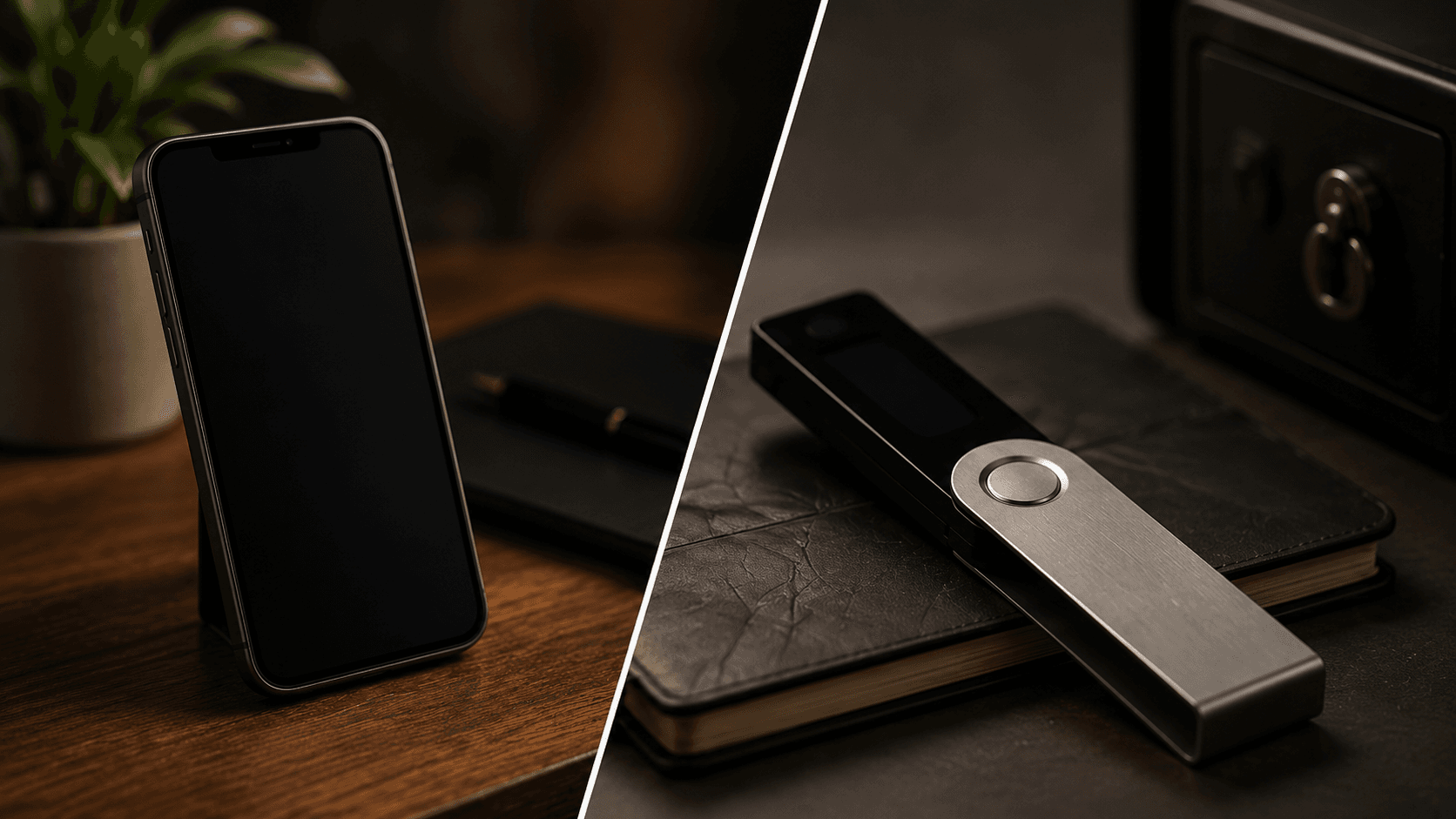
In the traditional financial system, banks hold and safeguard your money. In cryptocurrency, the paradigm shifts: you hold direct custody over your funds. That sovereignty is empowering, but it also means that the security of your digital wealth rests in your own hands.
Understanding the fundamental distinction between "hot" and "cold" wallet storage is a key security step every crypto participant should take to protect their assets from theft, malware, and platform collapses.
1. How Crypto Wallets Actually Work
A common misconception among newcomers is that cryptocurrencies live physically inside your wallet application or hardware device. In reality, your coins always remain on the decentralized blockchain ledger.
What a crypto wallet actually stores is your pair of cryptographic keys:
Public Key (Public Address): Comparable to an email address or bank account IBAN. You freely share this address with others so they can send you funds.
Private Key (and Recovery Seed Phrase): Comparable to your digital signature or master password. The private key cryptographically proves ownership and authorizes outgoing transactions.
Whoever controls the private keys controls the cryptocurrency. The difference between hot and cold wallets simply comes down to how and where those private keys are stored.
2. Custodial vs Non-Custodial Storage: Who Truly Owns Your Crypto?
The well-known industry phrase "Not your keys, not your crypto" highlights the vital difference between custodial exchange accounts and non-custodial personal wallets:
When you keep crypto on a centralized exchange, the exchange holds the private keys on your behalf. You hold a custodial claim. If the exchange experiences insolvency, regulatory freezing, or a security breach, you risk losing access to your capital. In a non-custodial wallet, you hold the private keys directly, ensuring true sovereign ownership.
3. What Is a Hot Wallet? (Pros, Cons & Practical Use Cases)
A hot wallet is any cryptocurrency software wallet that is installed on an internet-connected device, such as a smartphone, tablet, or web browser extension.
Key Advantages: Instant accessibility, fast decentralized swaps, seamless connection to Web3 applications, and zero hardware cost.
Security Vulnerabilities: Because the host device is connected to the internet, private keys are potentially vulnerable to remote malware, keyloggers, malicious browser extensions, and phishing links.
Hot wallets are comparable to the physical wallet in your pocket: convenient for carrying daily spending money, but generally unsuitable for storing large long-term reserves.
4. What Is a Cold Wallet? (Hardware Security Deep Dive)
A cold wallet (most commonly a dedicated hardware wallet device) keeps your private keys completely isolated offline from the internet at all times.
Hardware wallets typically feature specialized, tamper-resistant microcontrollers called Secure Element chips. When you initiate a transaction on your computer, the unsigned transaction data is sent to the hardware wallet. The device cryptographically signs the transaction internally on the offline chip and returns only the verified signature to the network. Your private key never touches an internet-connected operating system.
5. Practical Security Rules for Self-Custody
When setting up and managing self-custody storage, consider these foundational security practices:
1. Physical Seed Phrase Backups Only: Write down your 12- or 24-word recovery phrase on paper or stamp it into stainless steel. Never type it into a computer, screenshot it, or save it in cloud storage.
2. Buy Hardware Directly from Manufacturers: Always purchase hardware wallets directly from the official manufacturer website to eliminate the risk of tampered supply chains or pre-configured recovery cards.
3. Verify Destination Addresses Carefully: Always verify the first and last characters of a recipient address on your hardware device display before approving transactions.
4. Execute Test Transactions: When moving significant funds, send a small test amount first to confirm everything functions smoothly before transferring the remainder.
6. Common Attack Vectors and How to Prevent Them
Most crypto losses do not occur through complex cryptographic exploits; they happen through human error and social engineering:
Phishing Search Ads: Fraudulent sponsored links on search engines that mimic official wallet download pages to harvest seed phrases.
Malicious Smart Contract Approvals: Clicking "Approve" on unknown decentralized sites that grant unlimited token drain permissions.
Impersonation Support Scammers: Fake customer service representatives on Telegram, Discord, or social platforms offering "wallet validation."
7. A Layered Storage Approach
Many experienced participants use a layered storage approach combining hot and cold wallets:
Cold Storage Vault: Long-term assets kept securely offline on a hardware device, rarely accessed, and protected by physical seed backups.
Hot Wallet Working Balance: Smaller working balances on a mobile or browser wallet for active trading, decentralized swaps, and dApp interactions.
Frequently Asked Questions
What is the fundamental difference between a hot and cold wallet? A hot wallet is software connected to the internet (browser extension, smartphone app), while a cold wallet (hardware device) keeps private keys completely offline and isolated from internet threats.
Is a hardware wallet 100% immune to hacks? While hardware wallets eliminate remote malware and online key extraction, user error can still cause loss—such as physically revealing your seed phrase to a scammer or approving a malicious smart contract.
What happens if my hardware wallet device gets lost or broken? Your crypto is not lost. As long as you have your 12- or 24-word recovery seed phrase safely backed up, you can restore full access to all your funds onto a new hardware device or non-custodial wallet.
Can I store multiple cryptocurrencies on a single cold wallet? Yes. Modern hardware devices support thousands of different coins, tokens, and blockchains simultaneously within a single master device account.
What should I never share under any circumstances? Never share your 12- or 24-word recovery seed phrase or private key with anyone under any circumstances. No legitimate project, platform, or support agent will ever ask for your recovery phrase.